Scenery Downloads
Flight Simulator Assets for Western Pennsylvania HEMS
Flight Simulator Enhancement Packages
Enhance your Microsoft Flight Simulator or X-Plane experience with detailed Western Pennsylvania HEMS scenery, authentic helicopter liveries, and accurate navigation data.
MSFS 2020 Compatible
X-Plane 12 Compatible
Western PA HEMS Complete Pack
Complete
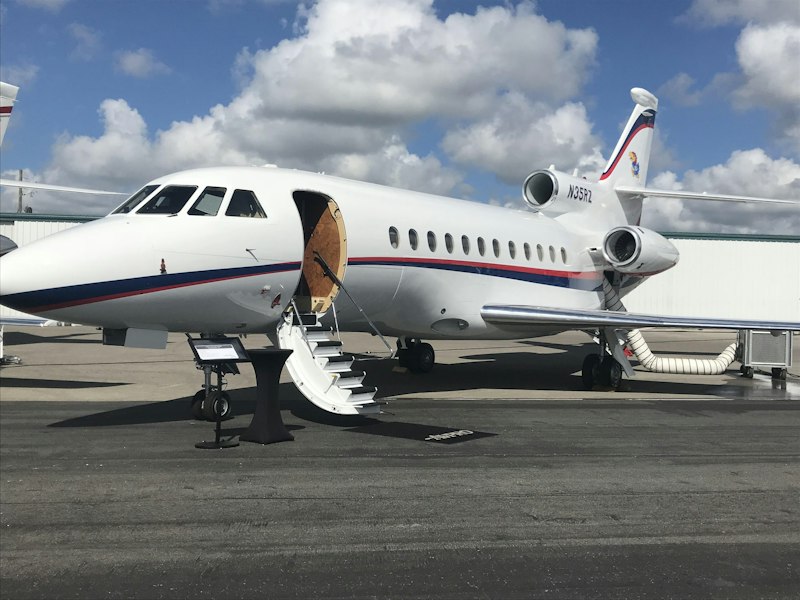
Full scenery package including all hospitals, bases, and custom waypoints
Includes:
All Hospital Heliports
HEMS Bases
Custom Liveries
Waypoints
Package Size:2.4 GB
UPMC Presbyterian Heliport
Hospital
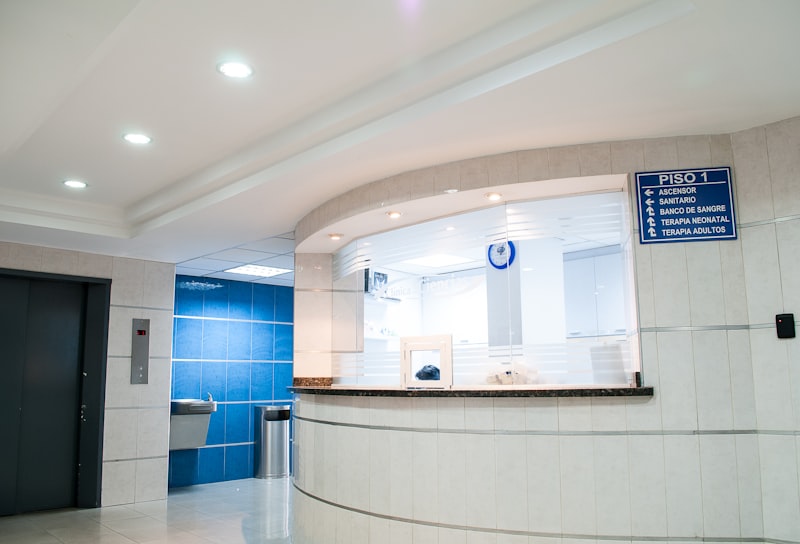
Detailed heliport scenery for UPMC Presbyterian Medical Center
Includes:
3PN9 Heliport
Ground Textures
Night Lighting
Package Size:180 MB

Stat MedEvac Liveries
Livery
Authentic Stat MedEvac helicopter liveries for EC135 and Bell 407
Includes:
EC135 P2+
Bell 407
4K Textures
Package Size:45 MB

AHN LifeFlight Liveries
Livery
Official AHN LifeFlight helicopter paint schemes
Includes:
EC135
AW119
HD Textures
Package Size:42 MB
Allegheny County Hospitals
Hospital
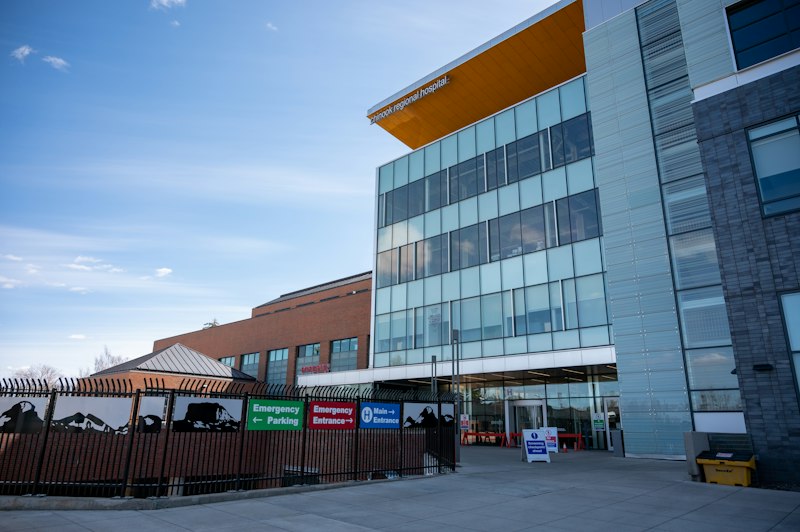
Heliport scenery pack for all Allegheny County medical facilities
Includes:
AGH
UPMC Mercy
West Penn
Custom Models
Package Size:520 MB

Western PA Navigation Package
Waypoints
Complete navigation database with VORs, NDBs, and GPS fixes
Includes:
All Navaids
Custom Waypoints
IFR Routes
Package Size:12 MB
Installation Instructions
Microsoft Flight Simulator 2020:
- Download the package ZIP file
- Extract to your MSFS Community folder
- Restart Microsoft Flight Simulator
- Packages will load automatically
X-Plane 12:
- Download the package ZIP file
- Extract to X-Plane 12/Custom Scenery folder
- Launch X-Plane and check Scenery Library
- Enable the scenery package if not automatic

